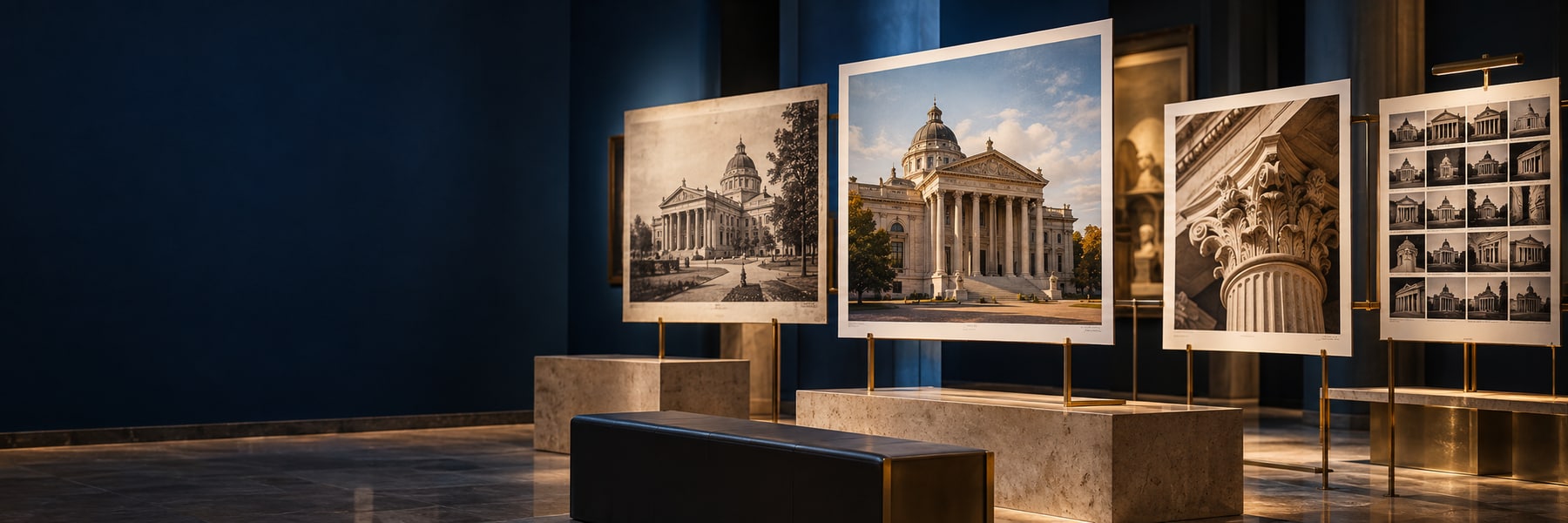
“Can I find this place in other photographs?”
Start with a description or a reference image. Review relevant photographs, related versions and the original files.
What you can explore.
A focused demonstration shows the workflow on a configured Pilot 1.0 workstation.
Search by description
Describe a subject, scene or visual idea to retrieve image candidates from your indexed collection.
Find Similar
Use an existing image as your starting point and inspect visually related candidates.
Read text in images
Find useful words recognized in photographs, scans and image-based records. Check the image when accuracy matters.
Review related copies
Inspect exact duplicates and likely variants together. Choose an appropriate copy for the task without deleting originals.
Review people
Use face candidates and review decisions to organize relevant images. A machine-generated grouping is not a verified identity.
Keep the original close
Open the source file and inspect its context. Preserve the distinction between the source and derived information.
Built around the material you work with.
Photographic archives, historical societies, museums, research collections and institutional image libraries.
Explore collection use cases ↗
Define a useful evaluation.
Choose an approved sample and a small set of questions. Review retrieval quality, source references and handling needs together.
Performance and accuracy depend on source quality, supported formats, language and workstation configuration.
Visual Archive questions.
Does visual search identify people automatically?
Face groupings are candidates for human review. A cluster does not establish a person’s identity.
Does VAIMS delete duplicate images?
Duplicate and similarity results support review. The demonstrated discovery workflow preserves original source files; deletion is not a required step.
Will every similar image be relevant?
No. Visual similarity and semantic search return candidates. Relevance depends on the query, the source material and human review.